
For many Singapore businesses, Wi-Fi is now the main way employees access cloud applications, video meetings, shared files, voice services, and business systems. When the network becomes unreliable, the cause is not always a faulty access point. The equipment may be outdated, poorly positioned, underpowered, or connected to infrastructure that cannot support current usage.
Choosing a Wi-Fi AP and networking solution in Singapore should therefore be treated as a business infrastructure decision, rather than a simple hardware purchase. The right access points must suit the office layout, user density, application mix, wired network, security requirements, and plans for growth.
Start with the business use case, not the Wi-Fi label
Wi-Fi 6, Wi-Fi 6E, and newer standards can improve efficiency and performance, but the newest specification is not automatically the best choice for every site. A small office with ordinary web, cloud, and printing requirements may have different needs from a training centre, warehouse, clinic, retail outlet, or multi-floor headquarters.
Before comparing models, document how the wireless network is used today and how it is expected to develop. Consider the number of regular users, visitors, wireless devices, meeting rooms, voice handsets, scanners, cameras, and other connected equipment. Also identify applications that are sensitive to delay or interruption, such as video conferencing, cloud desktops, and Wi-Fi calling.
This information helps determine whether the priority should be capacity, coverage, roaming, security, management simplicity, or a combination of these factors.

Key access point specifications to compare
#1 Wi-Fi generation and radio configuration
For a new business deployment, it is sensible to review current-generation access points rather than selecting equipment solely on price. Wi-Fi 6 can improve how an access point manages multiple clients, particularly in busy environments. Wi-Fi 6E adds access to the 6 GHz band where compatible devices, regulatory conditions, and the wider network design support it.
However, client devices must also support the relevant standard and frequency band. A wireless upgrade will not make older laptops, scanners, or phones operate at their maximum capability. A mixed-device environment is normal, so the access point should provide sensible compatibility while supporting newer equipment over time.
#2 Capacity and concurrent clients
Do not judge capacity by the maximum speed printed on a product page. A practical assessment should consider the number of connected devices, the type of traffic they generate, airtime contention, wall materials, neighbouring networks, and the number of access points sharing the available channels.
Two offices with the same floor area may need different solutions. An open-plan office with many laptops and frequent video meetings can place more demand on the wireless network than a larger space with occasional users. Ask the supplier how the proposed model is expected to perform under your actual client density and application profile.
#3 Power over Ethernet requirements
Most business access points use Power over Ethernet, or PoE, so that data and electrical power can travel through the Ethernet cable. This simplifies ceiling installations and reduces the need for local power outlets. However, the switch must provide the correct PoE standard and sufficient power budget.
Check the requirements for the access point, plus any attached features such as additional radios, USB functions, or integrated sensors. If the existing switch is too old or its power budget is limited, the access point may not operate as expected, or some features may be unavailable.
Do not overlook the wired network behind the AP
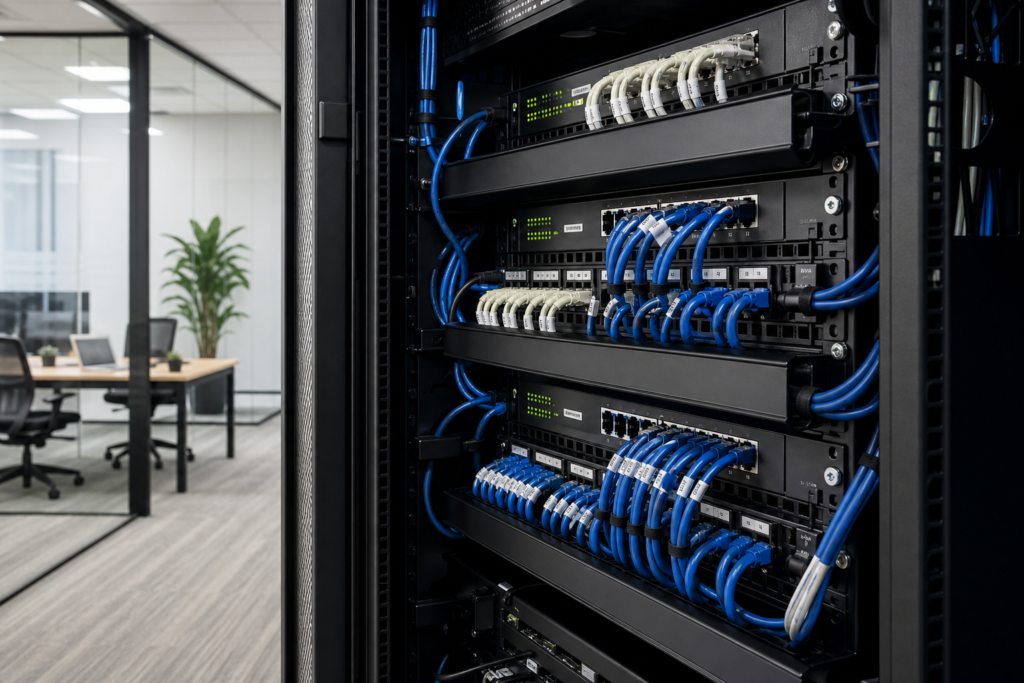
Wireless performance depends on the wired network that connects each access point to the switch, router, firewall, and internet connection. A high-performance AP connected through an unsuitable cable, a congested uplink, or an overloaded switch cannot deliver its full value.
During an assessment, review cable condition, cable category, switch port speed, PoE capability, uplink capacity, VLAN support, and network cabinet layout. In older premises, it may also be necessary to confirm where cables can be routed and whether ceiling access is practical.
Segmentation is another important consideration. Staff devices, guest users, voice equipment, IoT devices, and business-critical systems may need different network policies. The access points, switches, firewall, and authentication system should be designed to work together, rather than configured as isolated products.
Plan wireless security and access control
A business wireless network should make it clear who or what is allowed to connect. At a minimum, separate staff and guest access, apply appropriate encryption, and avoid sharing one permanent password with every user. For organisations with stronger identity requirements, consider user authentication through an existing directory or network access control system.
Guest Wi-Fi should normally be isolated from internal business systems and restricted by the firewall. Staff access may require different policies depending on whether users are connecting managed laptops, personal devices, phones, or specialist equipment. IoT devices often need particularly careful treatment because they may have limited security features or long replacement cycles.
Also ask how firmware updates, administrator access, audit logs, and configuration backups are handled. Security is not finished when the AP is installed; it is part of ongoing network management.
Choose a management approach your team can maintain
Access points may be managed individually, through a local controller, or through a cloud-based platform. Each approach can be suitable in the right environment.
| Management approach | Potential fit | Points to review |
|---|---|---|
| Standalone | Very small or simple networks | Manual configuration, limited central visibility, and more effort as the site grows |
| On-premise controller | Businesses wanting local control across several APs | Controller hardware, licensing, backups, and maintenance responsibilities |
| Cloud-managed | Multi-site teams or businesses wanting central administration | Subscription costs, internet dependency for management functions, data handling, and account security |
The best option is the one your team can monitor, update, and troubleshoot consistently. A technically powerful platform can become a liability if no one knows how to interpret alerts, maintain administrator accounts, or restore a configuration.
Account for Singapore office conditions
Office buildings in Singapore can have concrete walls, reinforced structures, glass partitions, enclosed meeting rooms, high-density neighbouring networks, and changing layouts. These conditions affect radio performance. A signal that appears strong near an access point may still provide poor application performance if interference or airtime contention is high.
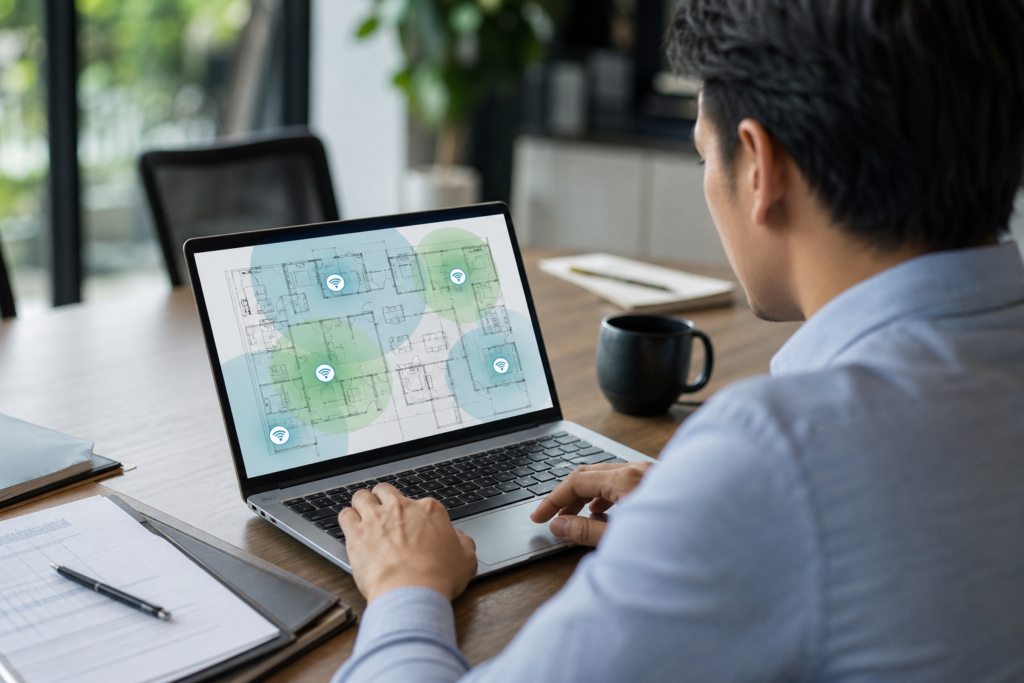
For this reason, avoid placing APs purely according to a fixed distance rule. A proper design should consider floor plans, wall materials, ceiling height, likely user positions, neighbouring wireless networks, and areas where mobile users need stable roaming. Meeting rooms, reception areas, pantries, corridors, and production spaces may have different requirements.
If the business is moving premises or renovating, involve the network provider before ceilings are closed. It is easier to plan cable routes, switch locations, and mounting positions before construction work is complete than to correct them later.
A practical buying and deployment checklist
Before approving a Wi-Fi project, ask for a proposal that clearly explains the assumptions behind the recommendation. A useful proposal should cover:
- The number and type of access points, including proposed mounting locations.
- The expected user and device capacity for busy areas.
- Wi-Fi standards, supported bands, and compatibility with existing devices.
- PoE switch requirements, cable requirements, and uplink capacity.
- SSID design, VLANs, guest isolation, authentication, and firewall policies.
- Management licensing, firmware maintenance, monitoring, and support arrangements.
- Testing and handover procedures, including documentation and administrator access.
It is also worth defining acceptance criteria in plain language. For example, specify which areas must support reliable access, which applications will be tested, how guest access should behave, and who will approve the final configuration. This creates a shared understanding between the business, installer, and internal IT team.
When an existing network should be assessed first
Replacing access points may not solve a problem caused by the internet circuit, firewall, switching, cabling, device drivers, authentication, or radio interference. If users report inconsistent performance, collect information about when and where the issue occurs, which devices are affected, and whether wired users experience similar problems.
A structured assessment can distinguish a coverage gap from a capacity issue or a wider network fault. Data Dynamics also provides a practical business Wi-Fi troubleshooting guide that can help organise the initial fault-finding process.
For larger changes, access point installation should be coordinated with the rest of the network. A broader system integration and IT setup service may be appropriate when the project includes switching, firewall configuration, structured cabling, user access, or other office technology.
Make the upgrade easier to support
A successful Wi-Fi project is not only measured by the installation day. Make sure the business receives an updated network diagram, AP names and locations, switch port details, SSID and VLAN information, licensing records, and a clear process for requesting support.
Keep spare equipment and administrator access under controlled ownership, rather than tying the network to one individual’s account. Schedule firmware reviews, check alerts periodically, and revisit the design when the office layout, headcount, or application mix changes.
Get help choosing a suitable Wi-Fi AP solution
Data Dynamics can help Singapore businesses evaluate access points, PoE switching, wireless security, network management, and installation requirements as one connected solution. If you are planning an office move, wireless upgrade, or multi-site deployment, speak with our networking team about the right Wi-Fi access point solution for your environment.