
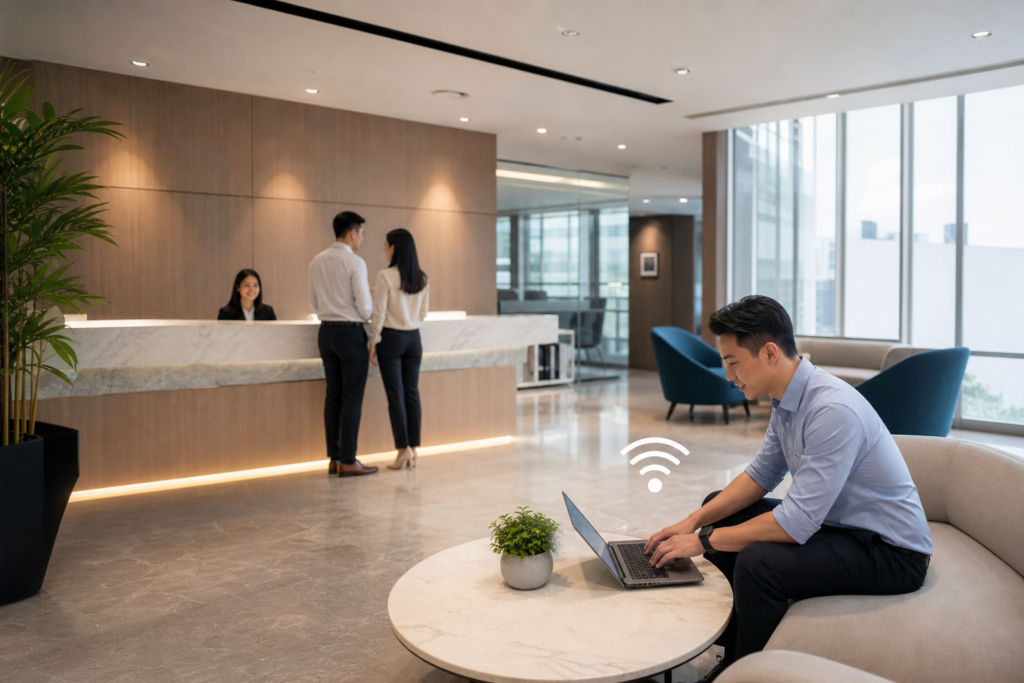
Guest Wi-Fi is now an expected part of many workplaces, showrooms, clinics, schools, serviced offices, and customer-facing businesses in Singapore. Visitors want a quick way to check email, join a video call, or access cloud applications while they are on-site.
However, giving visitors wireless access should not mean placing unknown devices on the same network as staff laptops, printers, IP phones, servers, or building systems. A well-designed guest network provides internet connectivity while keeping business resources separated and manageable.
This guide explains how to plan a secure guest Wi-Fi network in Singapore, including network separation, access policies, authentication, bandwidth controls, and ongoing administration.
Start by defining what guest access is for
“Guest Wi-Fi” can describe several different use cases. A visitor network for a small office may only need basic internet access, while a hotel, training centre, or event venue may need temporary accounts, higher capacity, and a branded sign-in page.
Before choosing equipment or configuring a wireless network, document the intended users and their needs. Consider whether access is for:
- Visitors attending meetings or appointments.
- Contractors who need internet access but should not reach internal systems.
- Customers using Wi-Fi while waiting or receiving service.
- Event attendees connecting many personal devices at the same time.
- Tenants or members who require recurring access.
Also decide whether guests should receive open internet access only, or whether they need access to a specific local resource, such as a presentation screen or visitor registration system. The safest default is internet-only access, with exceptions added deliberately rather than assumed.
Separate guest traffic from business systems
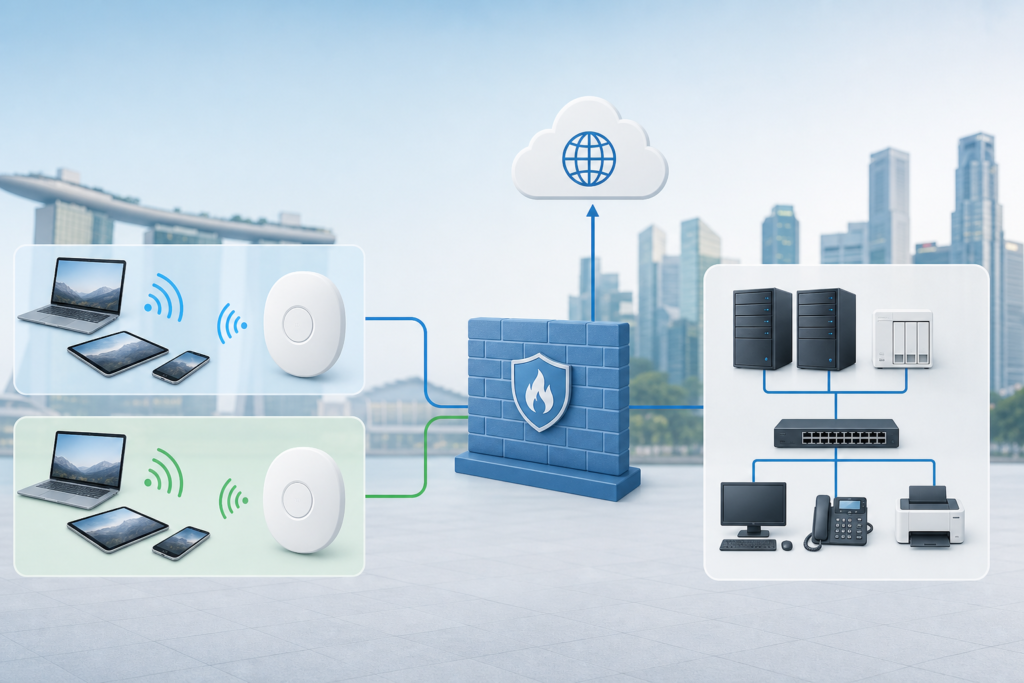
The most important design principle is network segmentation. Guest devices should connect to a separate wireless network, commonly mapped to a dedicated VLAN, and routed through firewall rules that prevent access to internal business networks.
In a typical design, the guest SSID connects to the access points, the traffic is assigned to the guest VLAN, and the firewall allows internet access while blocking private network destinations. Staff devices, servers, printers, CCTV equipment, access control systems, and voice services remain in their own protected network segments.
Do not rely on the SSID name alone for security. A network labelled “Guest” is not automatically isolated. The configuration must be enforced across the access points, switches, gateway, and firewall. If a guest network is being added to an existing office, review the full traffic path rather than changing only the wireless settings.
Typical guest network controls
- Block access to internal IP ranges and management interfaces.
- Prevent guests from discovering or communicating directly with one another where supported.
- Allow DNS, DHCP, and internet traffic required for normal browsing.
- Restrict access to printers, NAS devices, cameras, phones, and administrative tools.
- Limit access to the access point and firewall configuration pages.
These controls are best reviewed with the person responsible for the office firewall and switching environment. Poorly applied rules can either expose internal services or make the guest network unusable.
Choose an access method that suits your visitors
An open network with a clearly displayed password is simple, but it is not always the best option. The password may be photographed, reused for too long, or shared outside the premises. It can also be difficult to determine which devices are currently using the network.
More controlled options include a captive portal, individual vouchers, temporary accounts, or a sign-in process integrated with an existing identity platform. The right choice depends on the visitor experience you want and how much administration your team can support.
| Access method | Useful when | Points to consider |
|---|---|---|
| Shared password | Small offices with occasional visitors | Easy to share, but difficult to rotate and audit |
| Captive portal | Customer-facing sites, clinics, and public areas | Can provide terms, branding, and a sign-in workflow |
| Voucher access | Events, training rooms, and temporary users | Allows time limits or separate codes for visitors |
| Individual authentication | Recurring contractors or managed environments | Offers stronger accountability, but requires more setup |
If a portal collects names, email addresses, phone numbers, or other personal information, define why the information is collected, who can access it, and how long it is retained. Singapore organisations should also ensure that their collection and handling practices align with applicable privacy obligations and internal policies. Avoid collecting personal data simply because the portal makes it possible.
Apply sensible bandwidth and usage policies
Guest traffic can compete with business applications, especially during meetings, events, or busy customer periods. A guest network should therefore have its own bandwidth policy rather than using all available capacity without limits.
Controls may include a per-device speed limit, a total guest-network limit, session time-outs, or restrictions on unusually intensive services. These settings should support normal web browsing, cloud applications, and messaging without allowing a small number of devices to consume the connection.
Be careful with aggressive limits. A policy designed for occasional browsing may frustrate visitors who need to join a legitimate video meeting. Review the broadband service, the number of expected users, and the business applications that must remain reliable before setting thresholds.
Where staff use cloud voice, video conferencing, or other real-time services, guest traffic should not be allowed to undermine those applications. The existing guide on planning bandwidth and QoS for clear calls provides useful background on prioritising business communications.
Design for privacy, safety, and responsible administration
Guest access is not a substitute for security awareness. Visitors should see clear terms of use where appropriate, and the network should display a contact method for reporting connection problems. If users are asked to accept terms, the process should be understandable rather than hidden in dense technical language.
Administrators should also protect the management layer. Use separate administrator accounts, strong credentials, multi-factor authentication where available, and restricted access to network dashboards. Do not publish device management addresses or administrative passwords through a visitor-facing portal.
Keep firmware and controller software updated according to the vendor’s guidance. Security updates matter for access points, gateways, switches, and captive portal components, not just laptops and servers.
Plan the wired network behind the Wi-Fi
Wireless performance depends on more than the access points. Guest traffic must travel through switches, uplinks, the firewall, and the internet connection. Confirm that the switching infrastructure supports the required VLANs, trunk links, Power over Ethernet, and management features.
Power requirements deserve particular attention. An access point may need more power than an older switch can provide, especially when several units are installed. If the switch cannot deliver sufficient power, the wireless network may become unreliable or fail to support its intended features.
For offices with several floors, meeting rooms, or separate visitor areas, document the physical path from each access point to the network cabinet. This makes future changes easier and helps the support team isolate whether a problem is wireless, wired, authentication-related, or upstream at the firewall.
Test the guest experience before launch
Never treat a successful connection from one administrator laptop as a complete test. Test with several device types, including current iOS, Android, Windows, and macOS devices where relevant. Check the full process from joining the SSID to opening websites and leaving the premises.
A practical pre-launch test should confirm that:
- The guest SSID is visible only where intended.
- Users receive the correct IP address, gateway, and DNS settings.
- The portal or password process works on common devices.
- Guests can access the internet but cannot reach internal systems.
- Guest devices cannot manage access points, switches, or firewalls.
- Bandwidth limits behave as expected under multiple connections.
- Session expiry, voucher expiry, or password rotation works correctly.
- Staff voice, video, printing, and business applications remain unaffected.
It is also worth testing the failure experience. What happens if the portal is unavailable, the firewall loses its internet connection, or a visitor enters the wrong details repeatedly? Clear fallback procedures reduce pressure on reception and IT staff.
Monitor the network after deployment
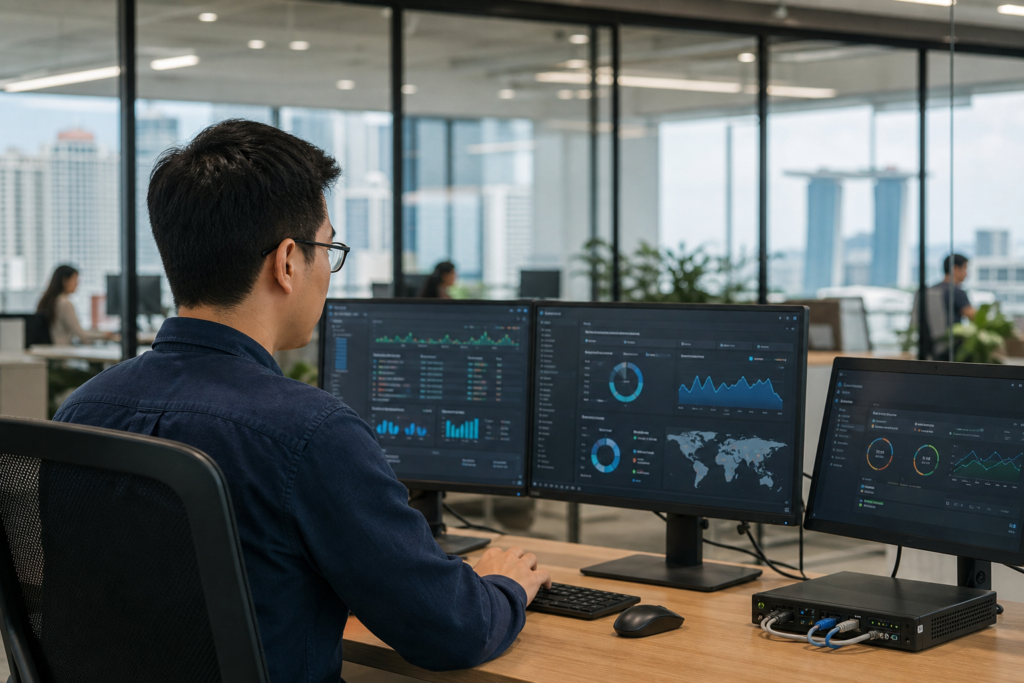
A guest network needs light but consistent oversight. Review connected devices, unusual traffic, authentication failures, bandwidth consumption, and access point health. Monitoring does not mean inspecting every user’s activity; it means identifying operational and security issues early, using only the information necessary for administration.
Set a routine for changing shared passwords, removing old vouchers, checking firmware, reviewing firewall rules, and confirming that the guest network is still isolated. When the office layout, broadband service, firewall, or internal applications change, repeat the isolation test.
If guest access is being added to an existing office network, a broader IT setup and integration review may help identify dependencies between wireless, switching, security, and business systems. For wireless-specific issues after deployment, the business Wi-Fi troubleshooting guide can help structure fault-finding.
When to involve a networking specialist
Professional support is particularly useful when the site has multiple floors, several internet connections, customer-facing services, strict access requirements, or a mixture of older and newer network equipment. A specialist can review the current topology, configure segmentation, test firewall rules, and document the final design.
Data Dynamics has provided IT solutions since 1977 and supports businesses with Wi-Fi AP and networking solutions in Singapore. Contact the team to discuss a guest network that is convenient for visitors, separate from business systems, and manageable for your staff.