
Are employees losing time waiting for laptops to start, applications to load, or IT support to respond? Is your company buying devices one emergency request at a time? That is not a procurement strategy – it is a very expensive scavenger hunt. The right corporate IT & laptop solutions give Singapore businesses a planned, secure, and supportable way to equip people for productive work.
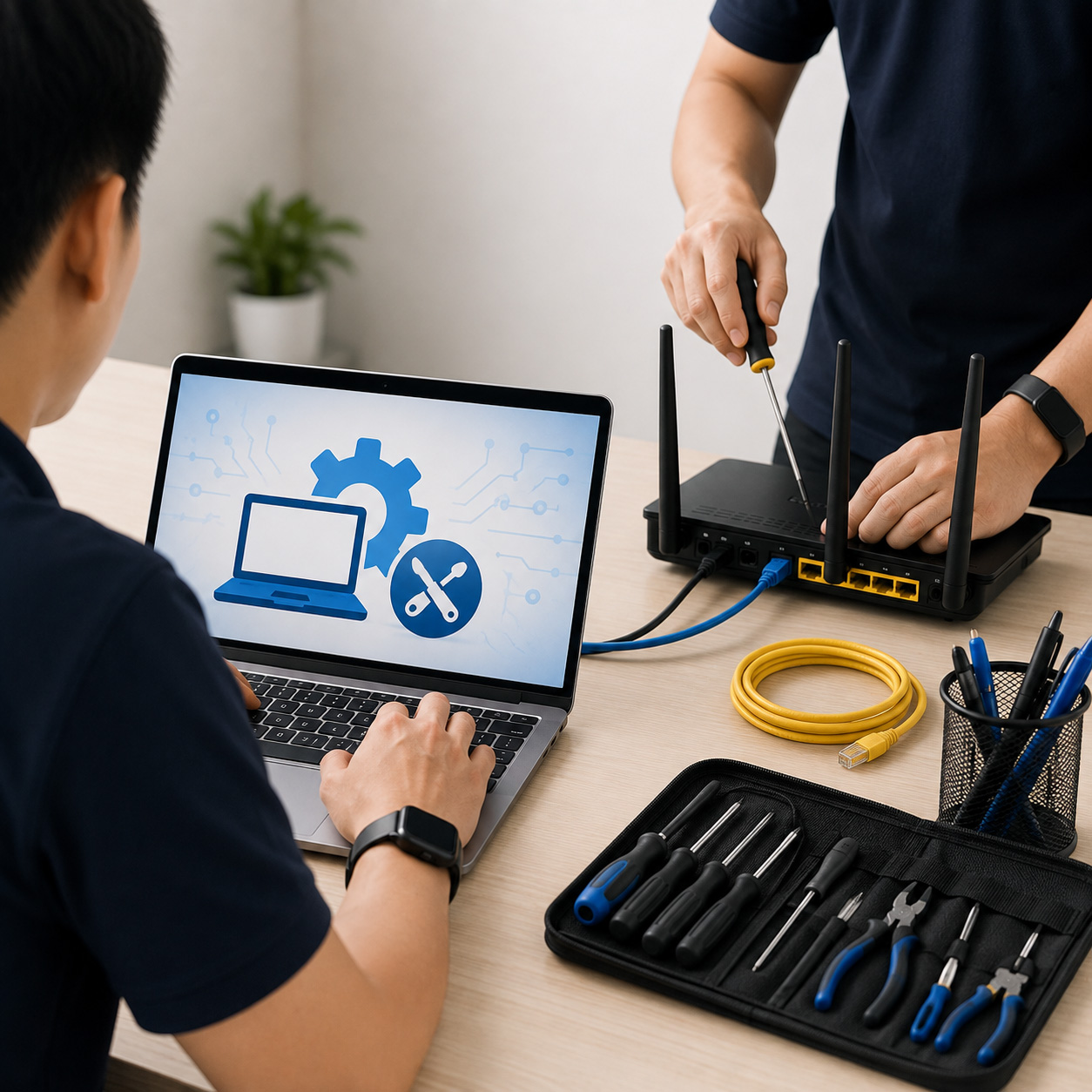
A business laptop is more than a screen and a keyboard. It is an employee’s connection to cloud applications, customers, video meetings, internal systems, and sensitive company data. When devices, networks, communications tools, and support processes are selected separately, everyday work becomes harder than it needs to be.
Why Companies Need Laptop & IT Solutions
A consumer-grade device may look attractive on a price comparison page. For a business, however, the purchase price is only one part of the decision. Reliability, security features, warranty coverage, fleet consistency, and compatibility with existing systems all affect the real cost of ownership.
Corporate laptop planning should begin with how people work. A finance employee handling confidential records has different needs from a sales executive who travels frequently. A design team may require higher processing capacity and memory, while frontline managers may value battery life, durable construction, and quick access to collaboration tools.
A structured approach helps organizations avoid two common problems:
- Over-specifying every device, which drives up capital expenditure without improving daily output.
- Under-specifying devices, which leads to slow performance, shortened replacement cycles, and staff frustration.
- Allowing too many models into the environment makes deployment, troubleshooting, and accessories unnecessarily difficult.
- Treating laptops as isolated purchases instead of endpoints within a wider security and communications environment.
The most suitable configuration depends on the role, the software used, mobility needs, and the company’s plans. Standardization does not mean every employee needs the same laptop. It means the organization has a manageable set of approved models and specifications for defined user groups.
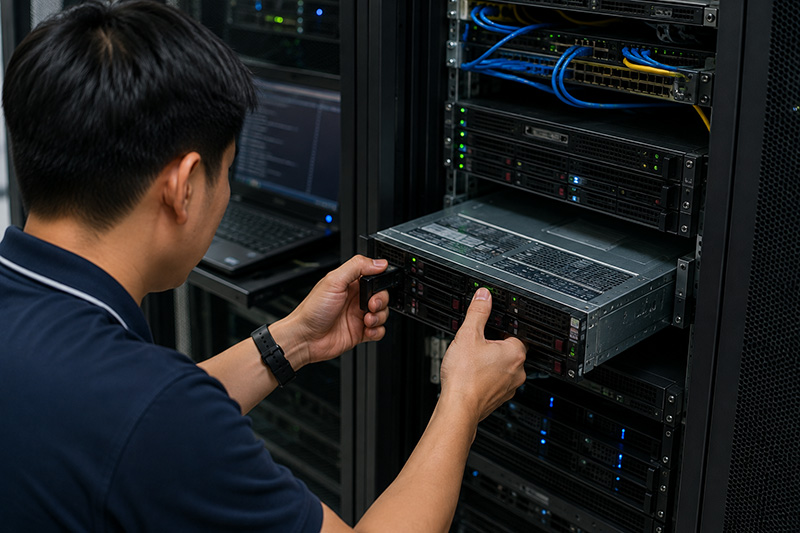
What Effective Corporate IT & Laptop Solutions Include
A dependable laptop program combines commercial devices with the infrastructure and services that keep them useful over their working life. It should support people from their first day at work through device replacement, whether they are office-based, remote, or moving between locations.
#1 Purpose-built business notebooks
Commercial notebooks are designed for organizational use. They typically offer stronger security options, business-class warranties, more predictable product availability, and easier fleet management than many consumer models. For companies that need dependable mobile computing, Dynabook business notebooks can be considered as part of a role-based device plan.
The right specification starts with practical questions: Which business applications must run well? How often will the employee travel? Is a larger display needed for spreadsheets and reporting? Will the laptop connect to multiple monitors, meeting-room equipment, or specialized peripherals? These details matter more than chasing the latest specification sheet.
#2 Secure connectivity wherever work happens
A fast laptop cannot compensate for an unreliable network. Employees need stable Wi-Fi, secure access to cloud services, and sufficient network capacity for video calls, file transfers, and business applications. In offices with weak coverage or aging switches, complaints about “slow laptops” can actually be network performance issues.
Corporate IT planning should review the complete connection path: wireless access points, switching infrastructure, internet connectivity, user authentication, and remote access controls. This gives IT teams a clearer view of where performance and security issues originate.
#3 Collaboration and communication tools
Laptops are now central to calls, meetings, messaging, and customer engagement. A hybrid workplace needs communication systems that work consistently across office desks, meeting rooms, and remote locations.
Unified communications platforms, IP telephony, cloud calling, and video conferencing should be assessed alongside the laptop fleet. For example, a sales team may need reliable headset support and high-quality video capability, while a service desk may require softphone integration with a PBX or cloud communications system. Aligning these tools reduces the switching between disconnected applications that slows work down.
#4 Lifecycle support and clear accountability
Device delivery is only the beginning. Businesses also need a repeatable process for setup, user onboarding, repair coordination, asset tracking, and replacement. Without it, IT teams spend too much time resolving preventable issues and too little time improving systems.
A capable technology partner can coordinate device procurement, deployment, infrastructure requirements, and ongoing service. This reduces the number of vendors an organization must chase when an employee cannot connect, call, print, or work.
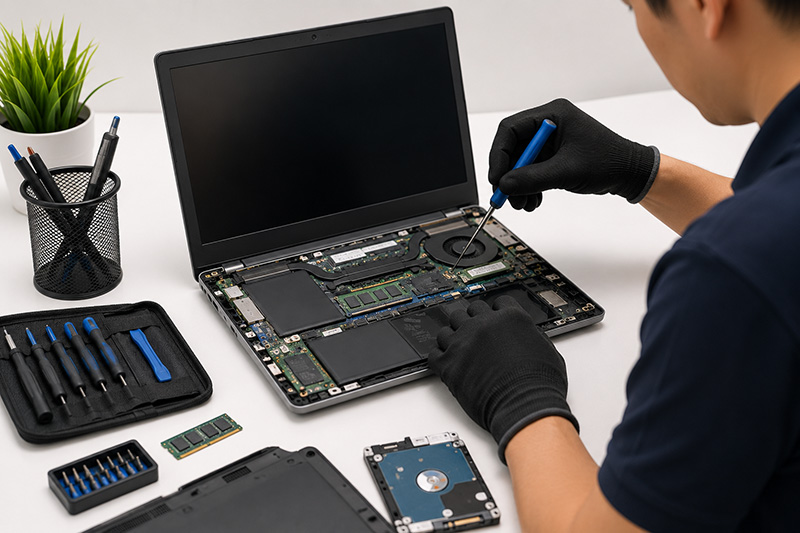
Choosing an IT Partner
Technology decisions should not begin with a catalog. They should begin with a discussion of your environment, growth plans, user roles, current pain points, and support capacity. A business with a capable internal IT team may mainly need product sourcing and deployment assistance. Another may need ongoing managed support across laptops, networks, communications, and cloud services.
Look for a provider that can explain options in business terms, recommend recognized commercial technology brands, and remain accountable after installation. Data Dynamics Singapore takes a problem-first approach, bringing more than 40 years of experience across commercial computing, networking, communications, cloud services, and implementation support.
The goal is not to add technology for its own sake. It is to give employees dependable tools, give IT teams a more manageable environment, and give decision-makers confidence that the business can continue operating when work changes location, scale, or pace.
Before your next laptop purchase, map the roles, applications, connectivity needs, security requirements, and support process around it. That short planning exercise can turn a batch of devices into an IT foundation your people can rely on.