
For Singapore businesses, security is rarely just about placing cameras at the entrance. It is about controlling who can enter sensitive areas, recording events clearly, protecting data, and giving operations teams a practical way to investigate incidents. The right setup should support daily work without turning every employee into a part-time security administrator.
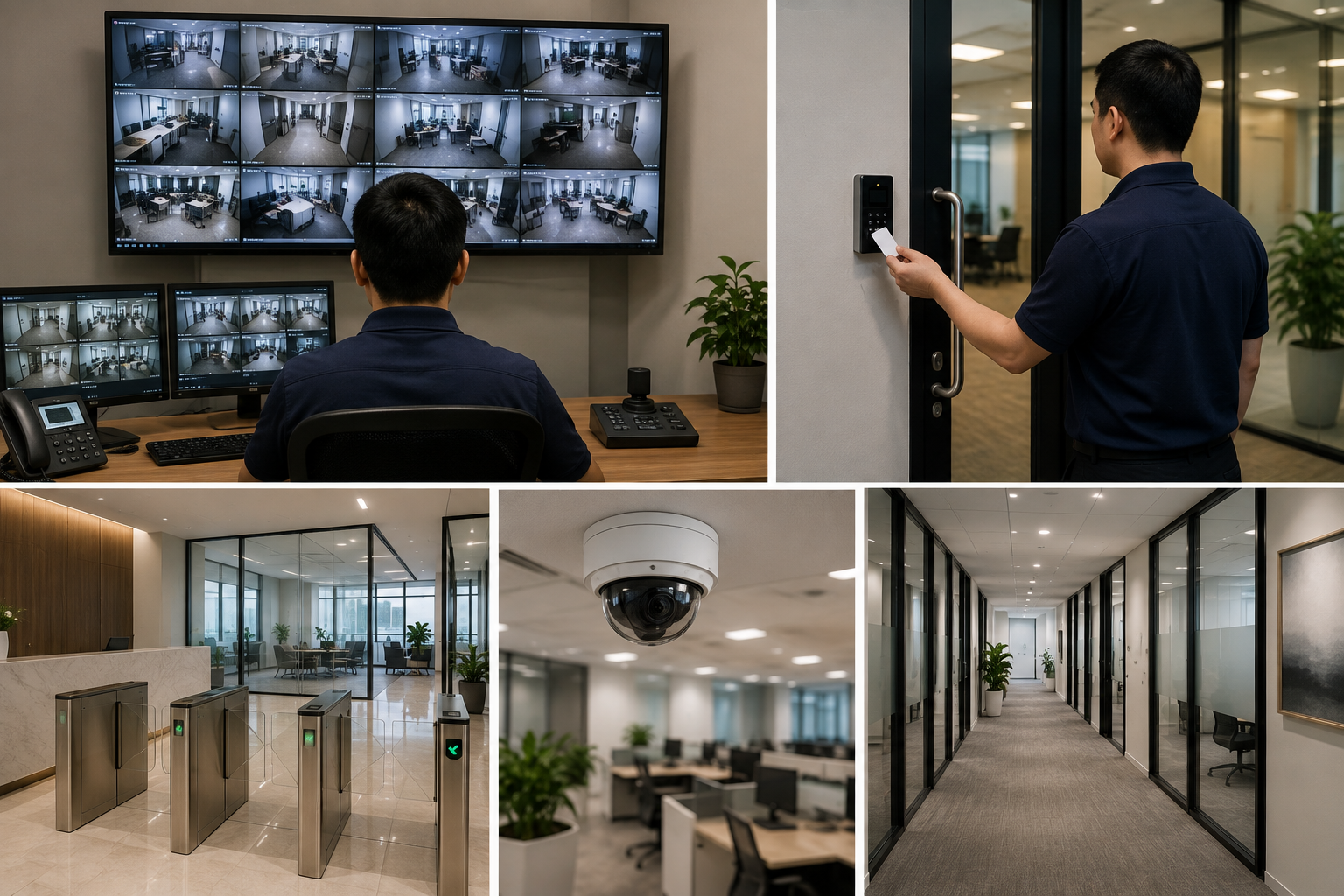
Why CCTV and Door Access Must Work Together
CCTV and door access systems solve different problems. Cameras provide visual evidence of what happened. Access control records who used a credential, which door they approached, and whether entry was granted or denied. When both systems are designed around the same operational requirements, they create a more complete incident trail.
For example, an access event may show that a staff card was used at a warehouse door at 9:14 p.m. Corresponding video can confirm whether the cardholder entered, whether someone followed them through the door, or whether the door was propped open. This context is particularly valuable for facilities teams, HR personnel, compliance personnel, and management.
Start With Business Risks, Not Camera Counts
A proposal that begins with “How many cameras do you need?” can miss the real question: “What do you need to protect, monitor, and prove?” Camera quantity is an outcome of planning, not a result of the plan itself.
Before selecting equipment, map the locations, workflows, and events that matter. Typical areas include reception points, loading bays, corridors, emergency exits, server rooms, cash-handling zones, stock rooms, and employee-only doors. Consider traffic patterns at different times of day, including cleaning hours, deliveries, shift changes, and after-hours access.
A practical assessment should clarify:
- Which doors require controlled entry, and which only need monitoring
- Who needs access, including employees, contractors, visitors, and vendors
- Whether access rights should change by time, department, or location
- What video evidence is needed for investigations and how long it must be retained
- Whether a central team needs to monitor multiple sites
- How the system will operate during a network interruption or power event
This approach prevents common gaps, such as a camera that captures a person entering but not their face, or an access reader installed at a door that has no proper door sensor or exit arrangement.
Choosing Door Access Methods for Your Workplace
Door access control begins with the door itself. A reliable reader cannot compensate for unsuitable locks, weak door frames, poor cabling, or an improperly configured fire safety interface. The physical opening, locking method, request-to-exit device, door contact, and emergency release requirements should be considered as one system.
For credentials, common choices include key cards, key fobs, mobile credentials, PINs, and biometrics. Each option has operational implications.
- Key cards and fobs are familiar, cost-effective, and easy to issue. They can also be misplaced, shared, or forgotten in a pocket at home.
- Mobile credentials reduce the need for physical cards but depend on staff device policies and user adoption.
- PINs can be useful as an additional verification step, although they should not be treated as highly secure if users routinely share them.
- Biometric access can strengthen identity assurance in high-security locations, but privacy, user consent, maintenance, and fallback procedures need careful consideration.
The right choice depends on the area. A general office door may only need card access during non-business hours. A server room, finance records area, or research facility may require tighter permissions, scheduled access, and event reporting. The goal is proportional control, not unnecessary friction at every doorway.
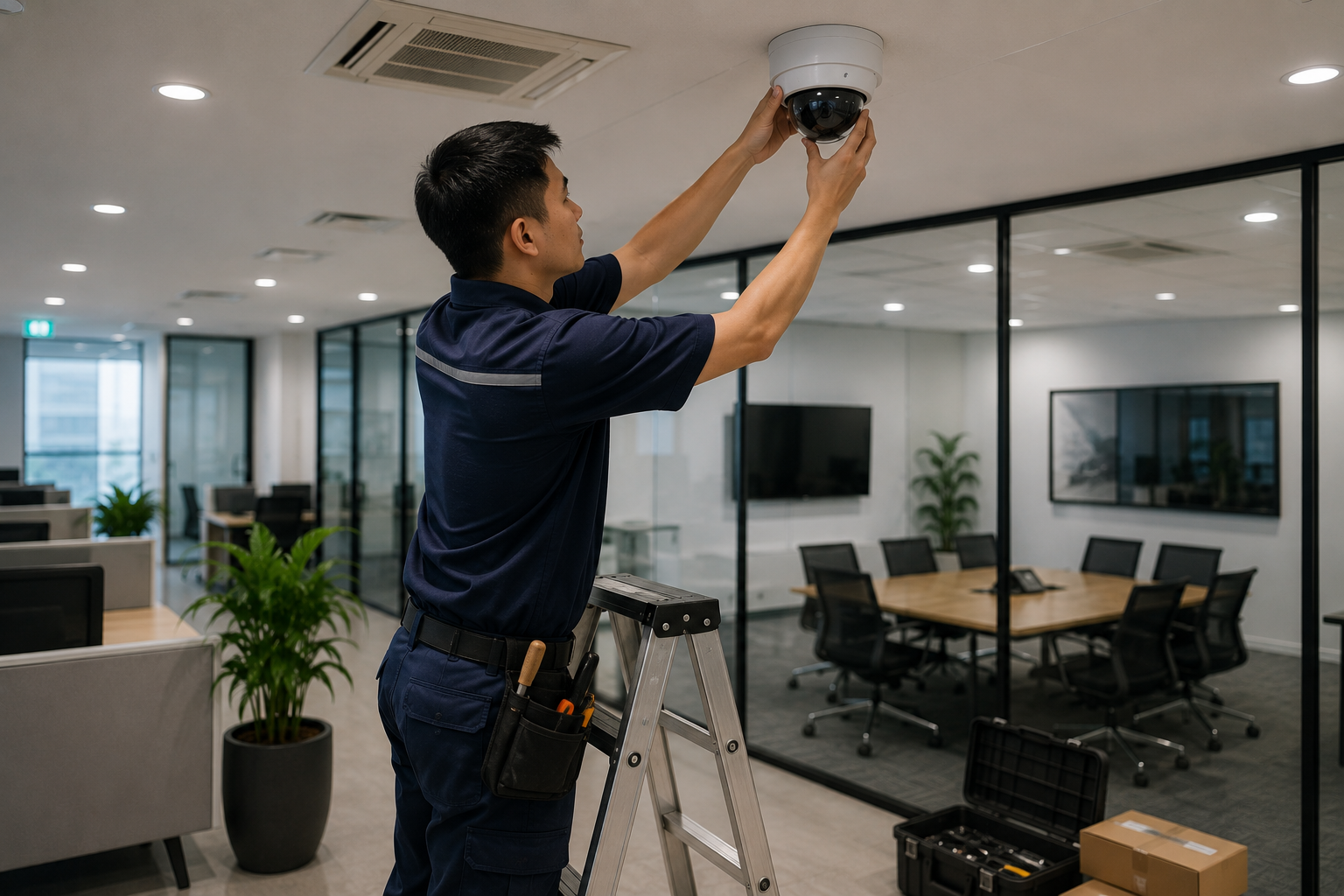
Network, Power, and Cybersecurity Are Part of Physical Security
Modern IP cameras and networked access controllers rely on the same underlying infrastructure that supports business operations. Poor network design can create slow video retrieval, unreliable device connectivity, or unnecessary exposure to cyber risks.
Where practical, security devices should be logically separated from business user traffic through appropriate network design. Managed switches, suitable Power over Ethernet capacity, bandwidth planning, and protected equipment locations all contribute to reliable operation. Cameras with high-resolution streams can place significant demands on uplinks and recording servers, especially across multiple floors or sites.
Access controllers must also be selected and configured with continuity in mind. If a controller loses connection to the management platform, should doors remain operational based on locally stored rules? What happens during a power outage? Which doors should fail safe for emergency egress, and which should fail secure? These decisions involve security, workplace safety, and building requirements, so they should be agreed upon before deployment.
A Practical Deployment Plan
A well-executed installation should follow a structured process rather than a rushed equipment rollout. The steps below help reduce disruption and make the final system easier to manage.
- Conduct a site and workflow assessment. Review doors, visibility, lighting, cabling paths, network availability, user groups, and operational risks.
- Define security outcomes. Specify what each camera and controlled door must achieve, including identification, monitoring, restricted access, or audit reporting.
- Select compatible infrastructure. Match cameras, recorders, readers, controllers, locks, network switches, storage, and power requirements to the site.
- Plan installation around business continuity. Schedule work to minimize impact on receptions, meeting rooms, production areas, or customer-facing spaces.
- Test real scenarios. Verify card access, denied access, forced-door alarms, video playback, night coverage, power recovery, and administrator permissions.
- Train the people who will run it. Provide clear procedures for enrolling users, responding to alerts, retrieving footage, and escalating faults.
Documentation should not be skipped. Door schedules, camera locations, administrator records, network details, warranty information, and support contacts make future expansion and troubleshooting far easier.
Selecting a Security Technology Partner
The best provider is not simply the one offering the lowest camera price. Business buyers should look for a partner that understands both physical security and the IT environment supporting it. This is especially relevant when video systems, access control, network infrastructure, cloud services, and ongoing support sit across different internal teams.
Ask how the provider handles site surveys, commissioning, handover, fault response, system expansion, and administrator training. Confirm who is responsible when an issue involves a camera, switch, recorder, controller, or network connection. Clear accountability saves time when an incident requires evidence quickly.
With more than 40 years of technology experience, Data Dynamics Singapore takes a problem-first approach to business infrastructure, helping organizations align security systems with their wider networking and operational requirements.