
Can you integrate CCTV with a door access system? Yes – and for many offices, warehouses, schools, and multi-site businesses, it is one of the most practical ways to make physical security easier to manage.
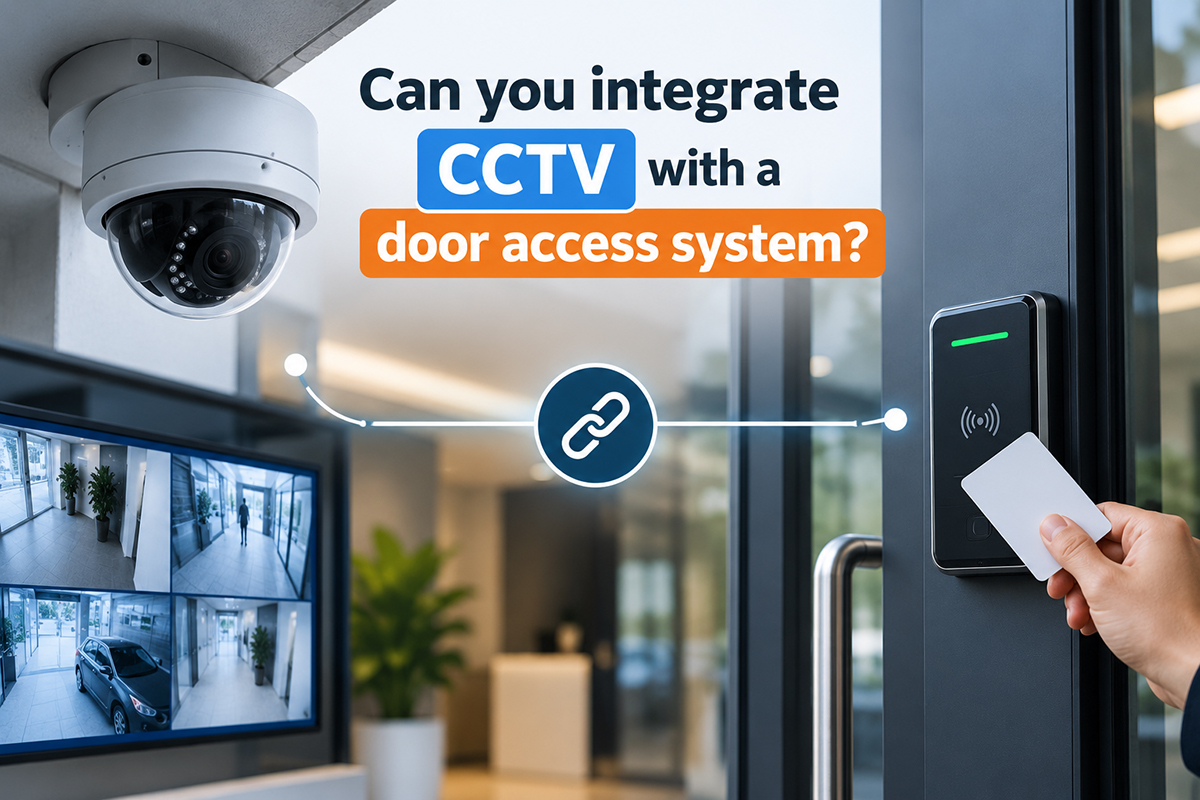
The goal is not to turn a security team into full-time video analysts. It is to connect two systems that already collect useful information: the access control platform records who used a credential, where, and when; the CCTV system shows what happened at that location. When planned correctly, the combined view gives operations and IT teams faster answers, clearer evidence, and better oversight of sensitive areas.
Can You Integrate CCTV With a Door Access System?
In most commercial environments, yes. Modern IP cameras, network video recorders, video management systems, door controllers, and cloud-managed access platforms can exchange event data through native integrations, software connectors, or application programming interfaces (APIs).
A typical integration works like this:
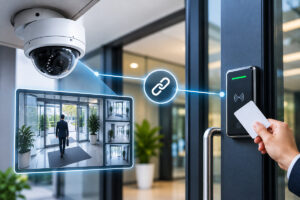
An employee taps a card, mobile credential, PIN, or biometric reader. The door access system records the event and sends a trigger to the video platform. The video platform then bookmarks footage from the camera assigned to that door. An authorized user can select the access event and immediately review the relevant clip.
This is useful for more than denied access. A linked system can associate video with door forced-open alerts, doors held open too long, after-hours entry, invalid credentials, emergency exits, and visitor access. Rather than treating video and door logs as separate records, the business sees one incident trail.
What the Integration Delivers in Practice
The main benefit is faster investigation. If a side entrance is opened at 9:12 p.m., a manager should not need to search multiple cameras and guess the time window. They should be able to open the access event and see the related footage from the entrance camera.
For a business with several sites, this efficiency adds up. Centralized monitoring can help a security or operations team review exceptions consistently, even when offices, retail outlets, and storage locations are spread across Singapore.
Key operational outcomes include:
- Faster verification of access events, alarms, and staff or visitor activity
- Better evidence for internal investigations, loss-prevention reviews, and incident reporting
- Improved monitoring of restricted rooms, server areas, loading bays, and records storage
- Easier audits because access records and video references can be reviewed together
- More informed responses to tailgating, propped doors, and unauthorized entry attempts
- Reduced dependence on manually searching video archives during a busy workday
Integration can also improve accountability without making day-to-day access inconvenient. For example, a facilities manager can review a report of doors held open beyond a set period and check whether the event was caused by deliveries, equipment movement, or a genuine security concern.
The Building Blocks of a Connected Security System
A successful design starts with compatible components, not just a camera pointed at every door. The access control system needs door controllers, readers, credentials, locking hardware, and management software. The video side needs properly positioned IP cameras, recording capacity, network connectivity, and software that can receive or display event information.
Access Control Events
The door platform supplies the context. It can record whether entry was granted or refused, the credential used, the specific door, and the event timestamp. It may also generate alerts when a door is forced or left open.
For meaningful video correlation, clocks across the access and CCTV platforms must be synchronized. Even a two-minute difference can create doubt during an investigation. Network Time Protocol configuration is a small technical detail with a large operational effect.
Cameras at the Right Locations
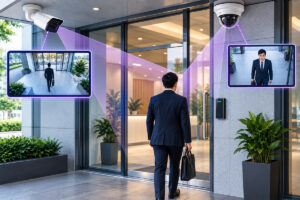
Camera placement matters as much as system integration. A camera should show the person approaching the door, the door itself, and the direction of travel where possible. A wide shot may provide scene context, while a second camera can capture a usable facial image at the entrance.
Avoid assuming that a camera mounted at the end of a hallway will identify everyone who passes through a door. Lighting, camera angle, lens selection, and image resolution all affect whether the footage can answer the question later.
A Suitable Network and Recording Plan
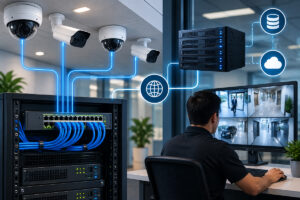
CCTV traffic can place substantial demand on a network, particularly with high-resolution cameras, continuous recording, or long retention periods. Businesses should assess switch capacity, Power over Ethernet availability, wireless use where applicable, network segmentation, storage performance, and backup requirements.
A connected deployment also requires a retention policy. Keeping every clip indefinitely is expensive and usually unnecessary. Retention periods should reflect the organization’s risk profile, investigation needs, storage budget, and applicable privacy obligations.
Integration Methods: Native, Middleware, or Custom API
There are three common approaches, and the right one depends on the existing environment and future plans.
A native integration is generally the simplest option. The access and video platforms are designed to work together, so event-to-video linking, alarms, maps, and user permissions can often be configured within one management interface. This approach may reduce implementation time, but it can limit the choice of camera or access-control brands.
Middleware is useful when an organization already owns systems from different manufacturers. A connector sits between the platforms and translates event information. This may preserve existing investments, although licensing, compatibility testing, and ongoing software updates need to be accounted for.
A custom API integration offers the greatest flexibility for specialized workflows. For instance, an enterprise may want door events to appear in a central security dashboard or trigger a ticket in an internal incident-management process. It requires more planning and technical support, so it makes the most sense where the process benefit is clear.