System integration & IT setup in Singapore is about bringing communications, connectivity, devices, cloud services, and support into a setup that works as one practical business environment. For organizations managing office moves, hybrid work, expansion, or aging infrastructure, a coordinated plan reduces disruption and gives teams a clearer way to operate.

What system integration and IT setup should cover
A useful project begins with business requirements, not a catalog of products. The goal is to understand how people communicate, where critical systems are used, what must stay available, and which constraints matter most. That may include budget, compliance needs, building layout, existing contracts, or a deadline tied to an office opening.
#1 Business communications
Communications should support the way your teams actually work. An office-based customer service team may need reliable desk phones, call queues, reporting, and straightforward call handling. A distributed sales team may place greater value on mobile access, softphone capability, presence status, and video meetings.
A unified communications setup can bring voice, messaging, conferencing, and collaboration into a more consistent experience. PBX and VoIP systems, IP phones, video conferencing tools, and cloud communication services can be configured around call flows and user roles rather than forcing every department into the same pattern.
The right model depends on your operating needs. On-premises systems can appeal to organizations that want direct control over their environment. Cloud-based communications can reduce the infrastructure maintained at the office and make scaling easier. Some businesses benefit from a hybrid approach, particularly when they have existing investments or specialized requirements.
#2 Network infrastructure
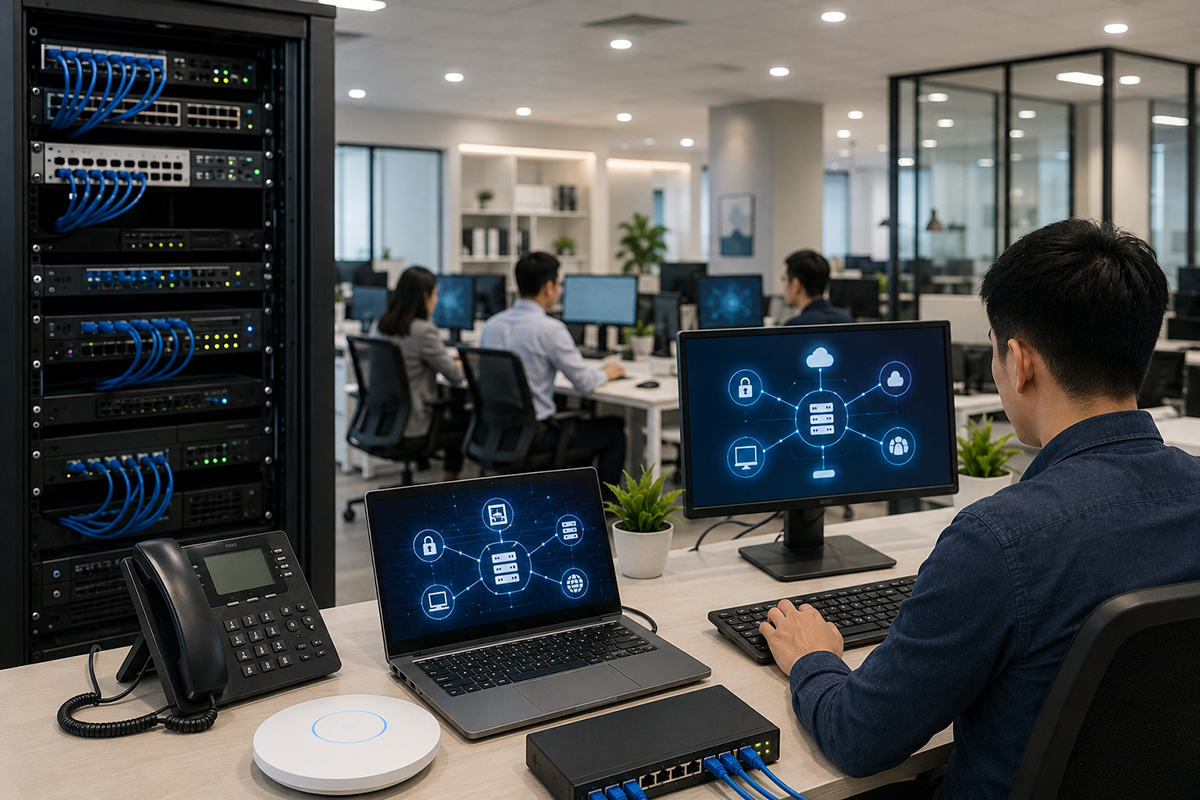
Networks carry far more than internet browsing. They support voice calls, video meetings, cloud applications, printers, security devices, guest access, and connected equipment. If the network is under-specified, even high-quality communication tools will perform poorly.
A planned network deployment typically considers switching capacity, Wi-Fi coverage, internet resiliency, power requirements, traffic prioritization, segmentation, and future growth. Voice and video traffic should be treated appropriately so a large download does not turn a client call into a digital guessing game.
For a Singapore office, physical conditions matter as well. Dense office layouts, meeting room construction, warehouse areas, and neighboring wireless networks can all affect Wi-Fi performance. A site assessment and coverage plan are more useful than assuming one access point can solve every coverage gap.
#3 Cloud services and end-user devices
Cloud services work best when identity, access, communications, and devices are planned together. Employees need a consistent way to sign in, collaborate, and reach business resources without creating unnecessary complexity for administrators.
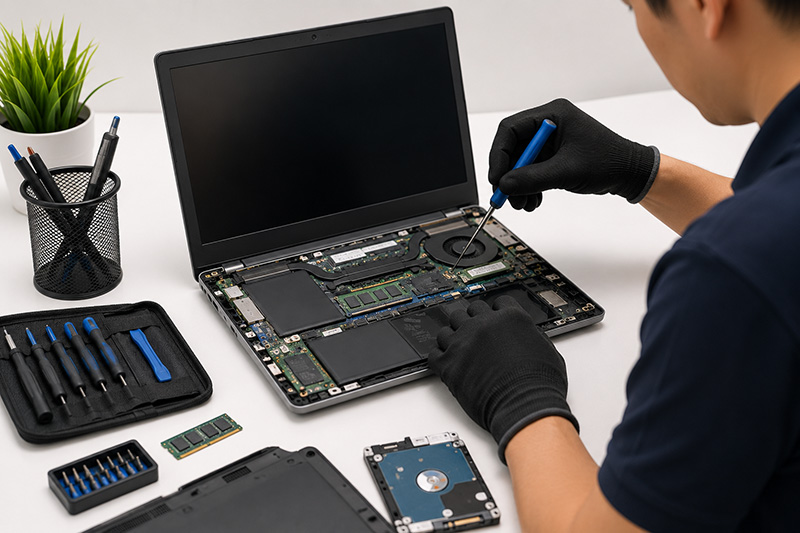
Commercial notebooks also deserve attention during an IT setup. Standardizing suitable business devices can simplify deployment, support, replacement planning, and security policies. A laptop that performs well in a showroom but lacks the right connectivity, management features, or warranty support may become an operational headache later.
Approach to IT setup in Singapore
A successful implementation is not defined only by equipment being installed. It is defined by whether users can perform their work reliably from day one and whether the organization can support the environment afterward.
1. Assess the current environment and operating priorities
Start by documenting what is already in place. This includes network equipment, internet connections, phone systems, meeting rooms, cloud subscriptions, device inventory, and existing vendor commitments. It is equally important to identify business processes that cannot tolerate downtime.
Ask focused questions. How many users need voice services? Which teams receive external calls? Are staff regularly working across multiple sites? Does guest Wi-Fi need to be isolated? What happens if the primary internet connection fails? These answers shape a design that fits the business rather than an attractive but mismatched technology stack.
2. Design for everyday use and future change
The design should show how systems connect, who manages them, and how the environment can expand. Clear network diagrams, IP addressing plans, user groups, call-routing logic, and equipment placement reduce confusion during deployment and later maintenance.
Scalability does not mean buying maximum capacity on day one. It means selecting an architecture that can add users, devices, or locations without requiring a complete rebuild. A growing company may need room for another floor, a new branch, or more remote employees. A mature enterprise may prioritize integration with established business systems and stronger governance.
3. Stage, deploy, and test before go-live
Where possible, devices and configurations should be prepared before installation. Phones can be provisioned, laptops can receive standard settings, and network equipment can be configured and tested in advance. This shortens onsite work and makes the go-live period more controlled.
Testing should reflect real business activity, not only whether a device powers on. Test incoming and outgoing calls, call transfers, Wi-Fi performance in key areas, video meeting quality, failover behavior, access permissions, and communication between systems. Include representatives from departments that will use the solution daily.
4. Train users and set support ownership
Even a well-designed environment can be undermined if employees do not know how to use it. Short, role-based training is usually more effective than a long technical presentation. Reception teams may need call-handling guidance, managers may need conferencing features, and all staff may need a simple process for reporting issues.
Support ownership must also be explicit. Your organization should know who handles first-line requests, when an issue is escalated, which vendor is accountable, and how changes are approved. Centralized support is particularly valuable when communications, networking, cloud services, and devices need to work together.